Built to bring guests back.
RestoCliq is a customer growth system for cafés, quick-service, and restaurants. Your loyalty card lives in Apple Wallet and Google Wallet — guests scan a QR code at the counter. No app to download, no paper card to lose.


One card. Three habits.
The whole system runs at your counter, on cards your guests already carry in their phone.
Capture
A QR code at the counter adds your card to a guest's Apple or Google Wallet in seconds. Every card holds their name and visit history, so you finally know who keeps coming back.
Reward
Staff scan the pass to add stamps, points, or cashback — whatever mechanic you configure. Guests watch progress build toward something worth another visit.
Return
Push messages land on the pass itself. Birthday offers, quiet-hour campaigns, and reactivation journeys give lapsed guests a reason to come in again.
Pick the mechanic that fits your counter.
Eight card formats, all living in the same wallet. These are real cards from the RestoCliq library.
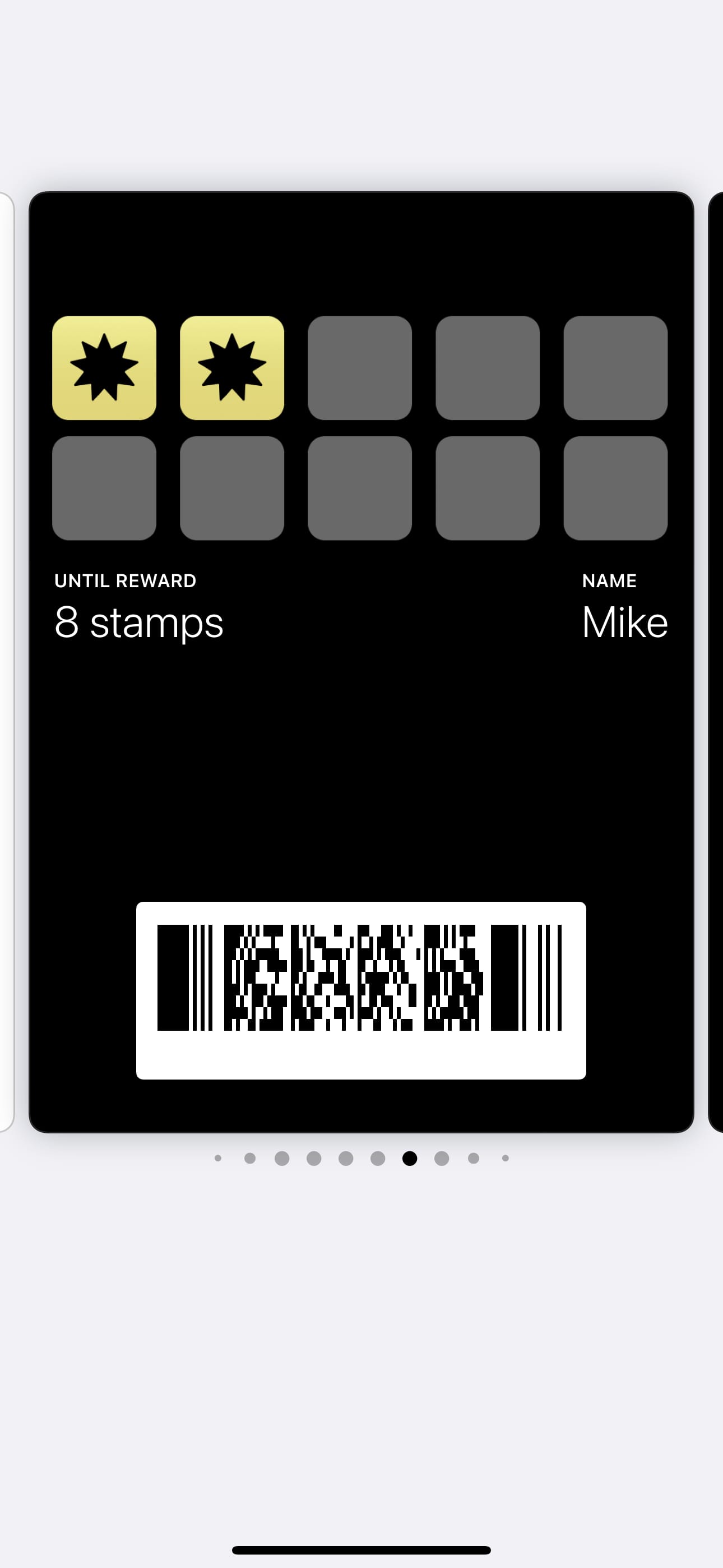


Stamps
The classic punch card, digitized. Example: buy 9, the 10th free.
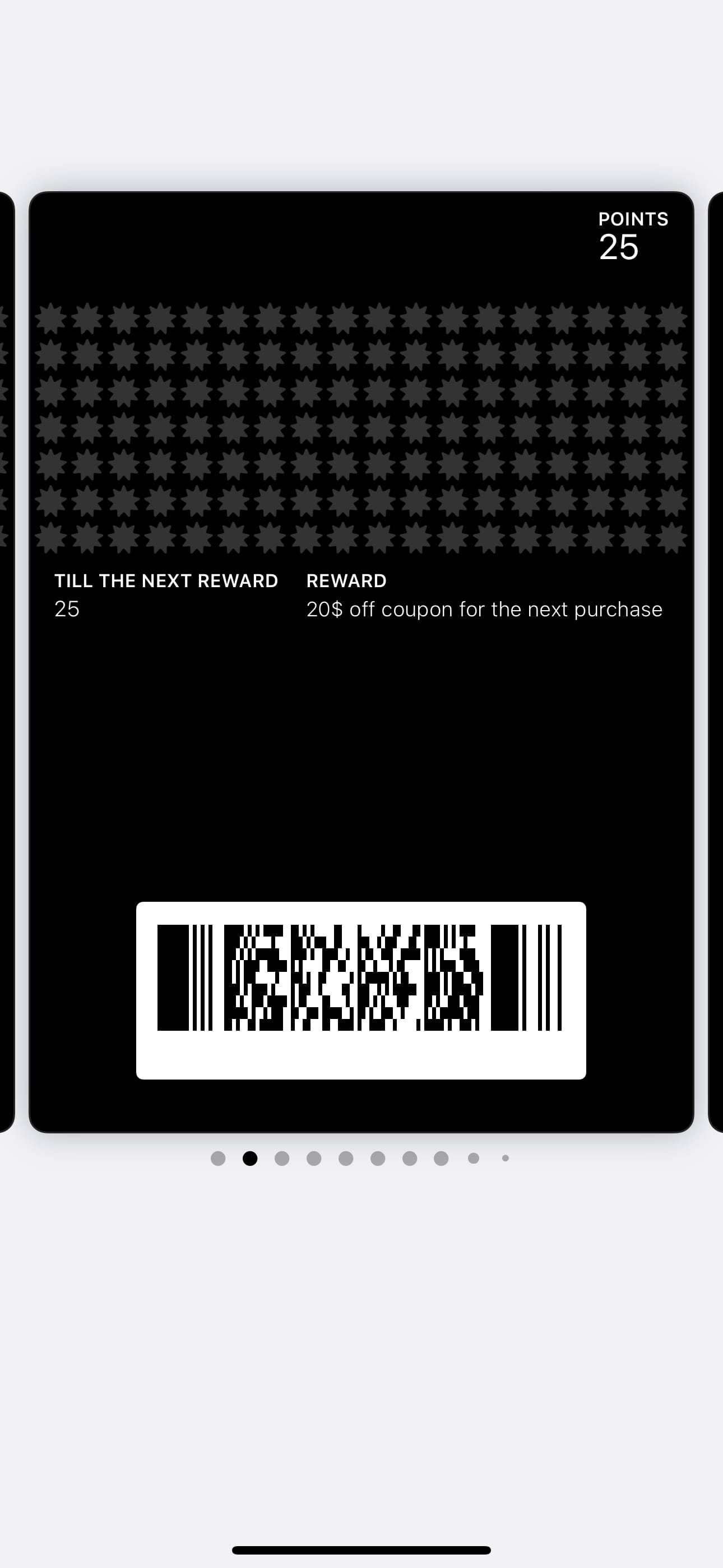
Points
Guests earn points per visit or purchase, then trade them for rewards.
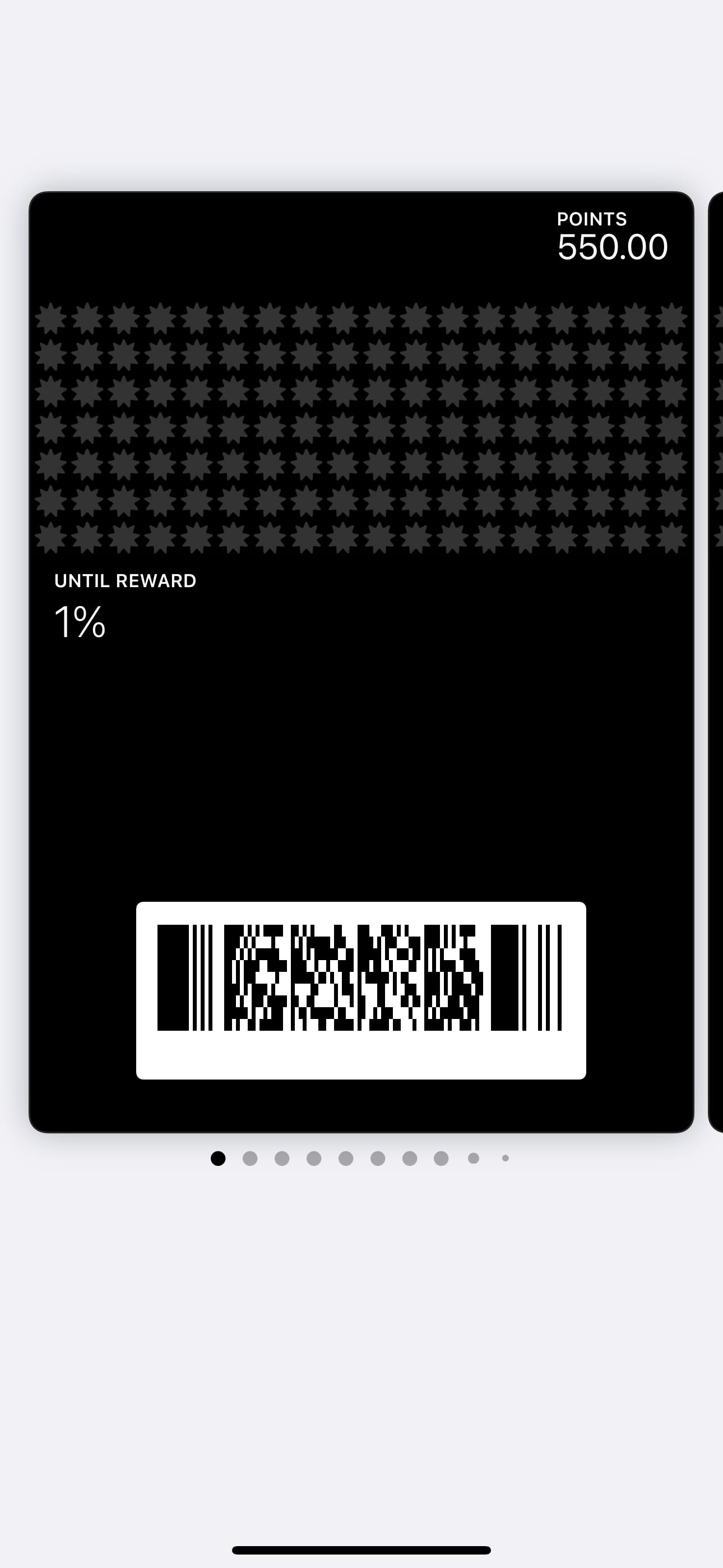
Cashback
A percentage of eligible purchases comes back as store credit.
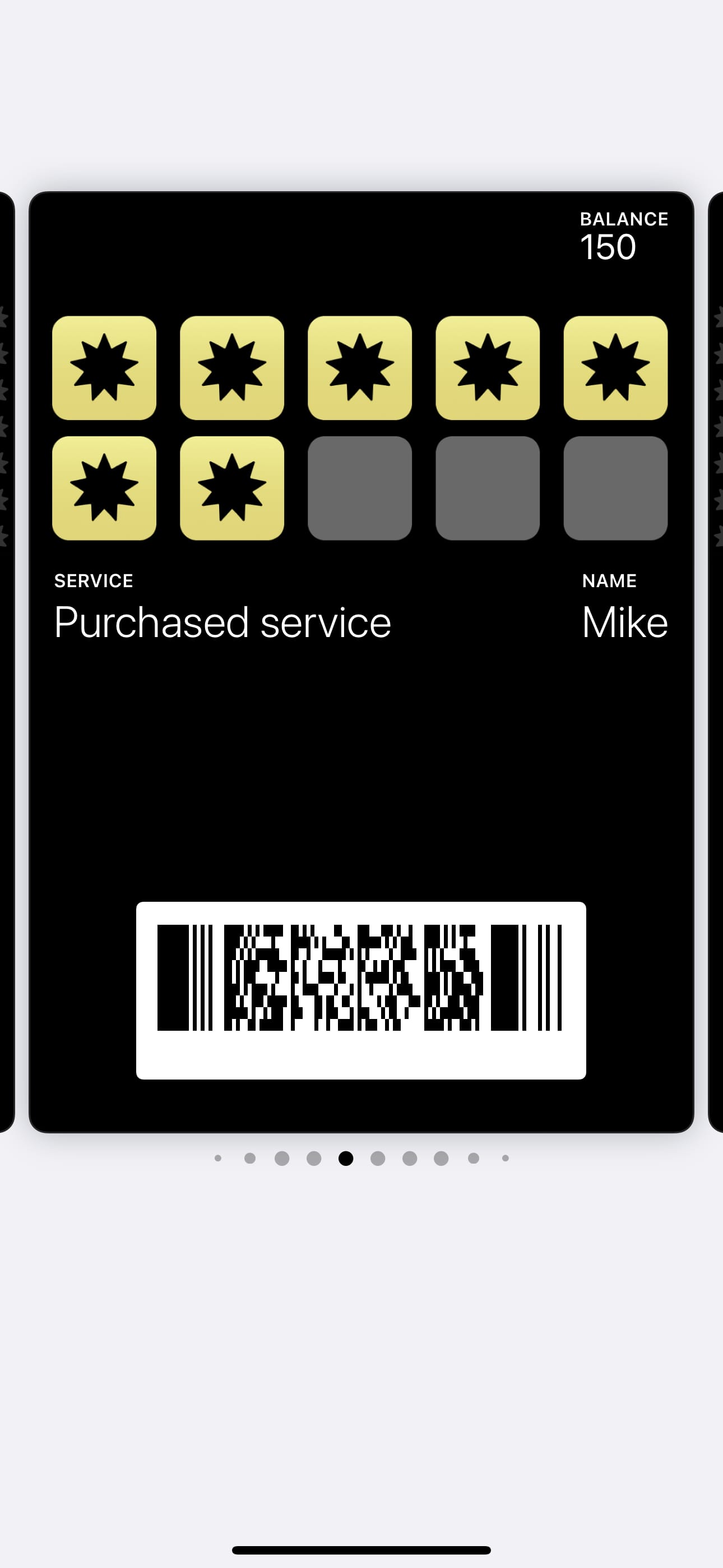
Multipass
A prepaid bundle — like ten coffees paid up front, redeemed per visit.
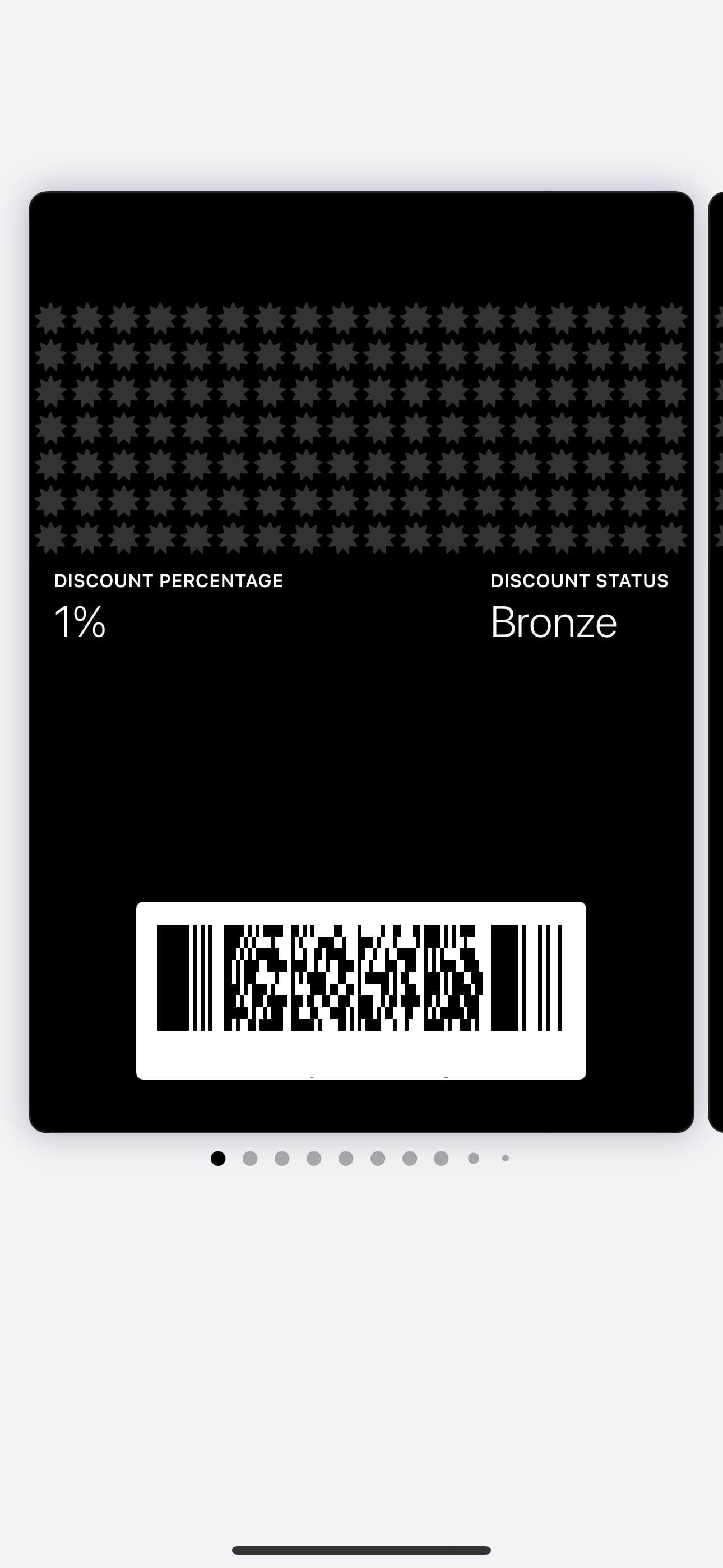
Discount
A standing member discount, with tiers if you want them.
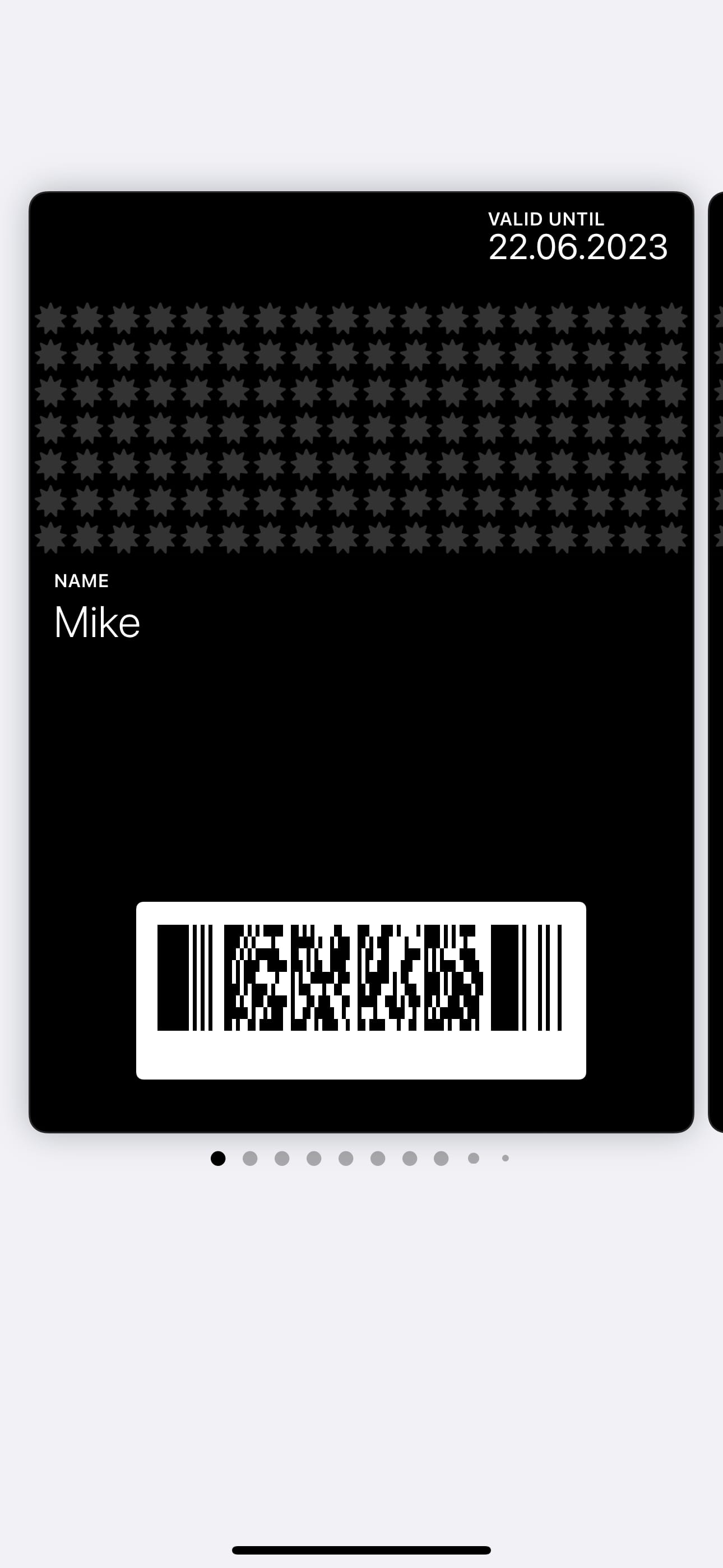
Membership
Named tiers with their own perks — bronze to VIP, you define them.
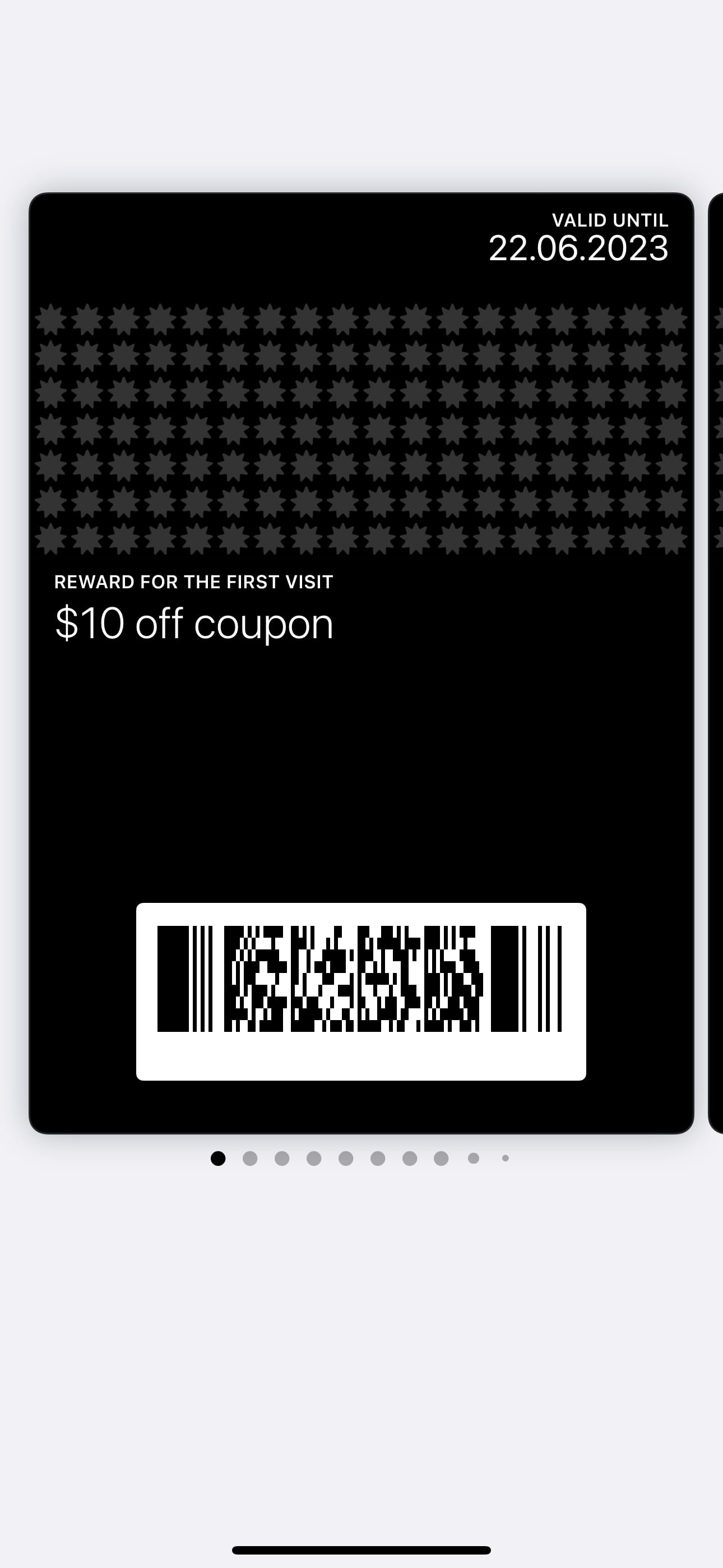
Coupon
A single-use offer that lives in the wallet until it's redeemed.
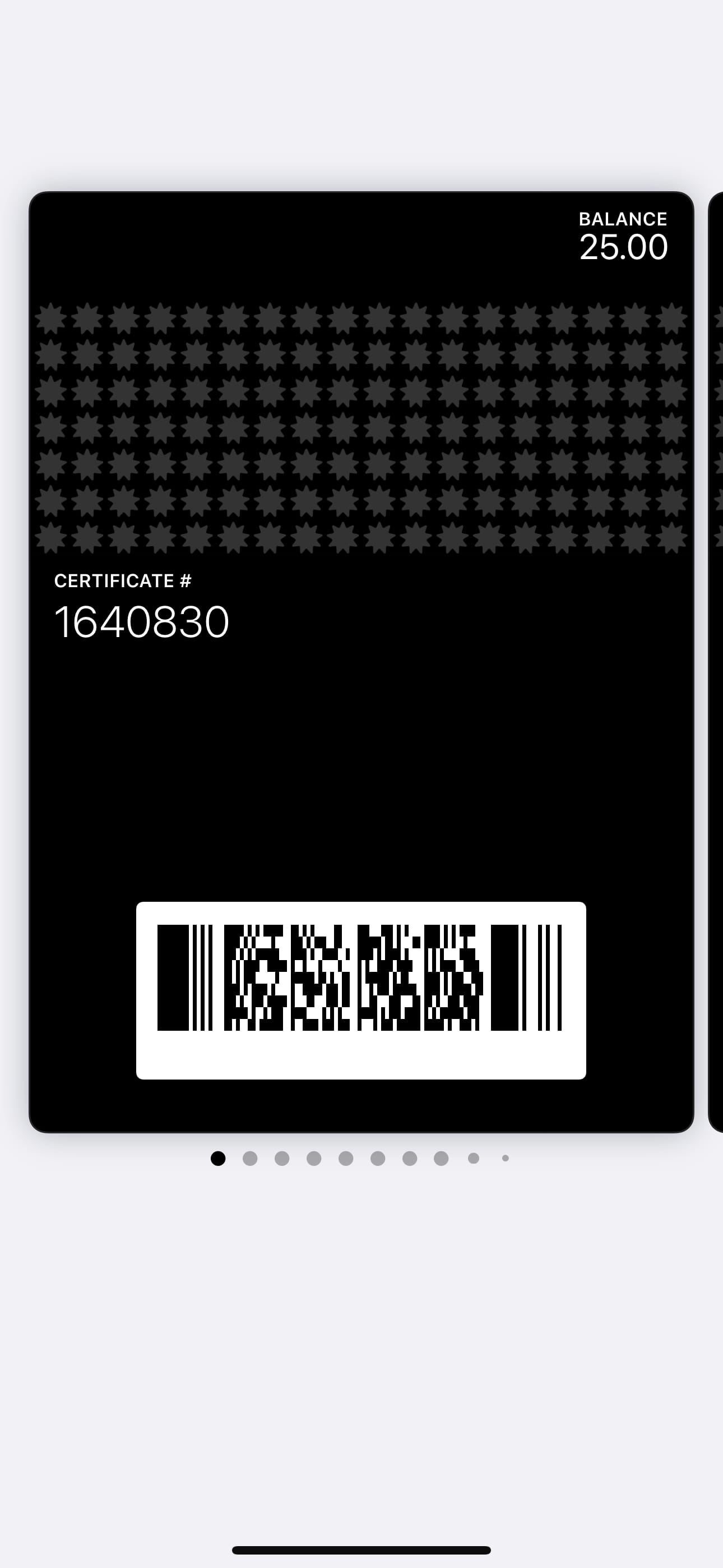
Gift certificate
A digital gift card with a stored balance guests can spend down.
Built for the counter,
not the back office.
A scan your busiest shift can handle.
No till changes, no new hardware. The scanner runs on any phone behind the counter.
- 1
Open the app — staff sign in with their own access for the shift.
- 2
Scan the pass — the guest shows their wallet card; the camera does the rest.
- 3
Confirm — stamps, points, or cashback update on the guest's pass instantly.

Your whole program on one screen.
Who visited, what they redeemed, which messages went out — and the levers to change all of it.

Word of mouth you can stand behind.
Neutral review requests
After a visit, guests can be asked for honest feedback — every guest, the same way. Never gated, never incentivized. What ends up on your review pages is what people actually think.
Separate referral rewards
Guests who bring a friend can earn a referral reward — a program we keep completely separate from reviews, so recommendations stay genuine and your reviews stay clean.
One plan. Everything unlocked.
Month-to-month. Setup included. No long-term contract.
- Every card type — stamps, points, cashback, memberships, and more
- Push messages, journeys & analytics — the full dashboard
- Setup done for you — card design, program configuration, staff training materials
Watch a live card land in your own wallet.
Book a short demo. We'll walk through the system on a real card, on your own phone, with your questions as the agenda.
Book a DemoPrefer email? info@restocliq.com